Everything lives in one folder of your repo.
Four kinds of document, each a plain file in docs/ux. Open them in any editor and review them in a pull request.
Personas
.mdWho are we designing for?
Goals, needs and context for each person, in Markdown. Edit them in the app or in your editor.
personas/*.mdJourneys
.jsonWhere does it break?
A board for each persona, with phases as columns and every card marked positive, neutral or negative.
user-journeys/<journey>/*.jsonFlows
.md + MermaidWhat happens, step by step?
The path through a feature as a Mermaid diagram, with the reasoning written underneath.
user-flows/<flow>/*.mdStories
.story.mdWhat do we build next?
User stories with acceptance criteria, written from the risks and opportunities on the board.
user-stories/*.story.md
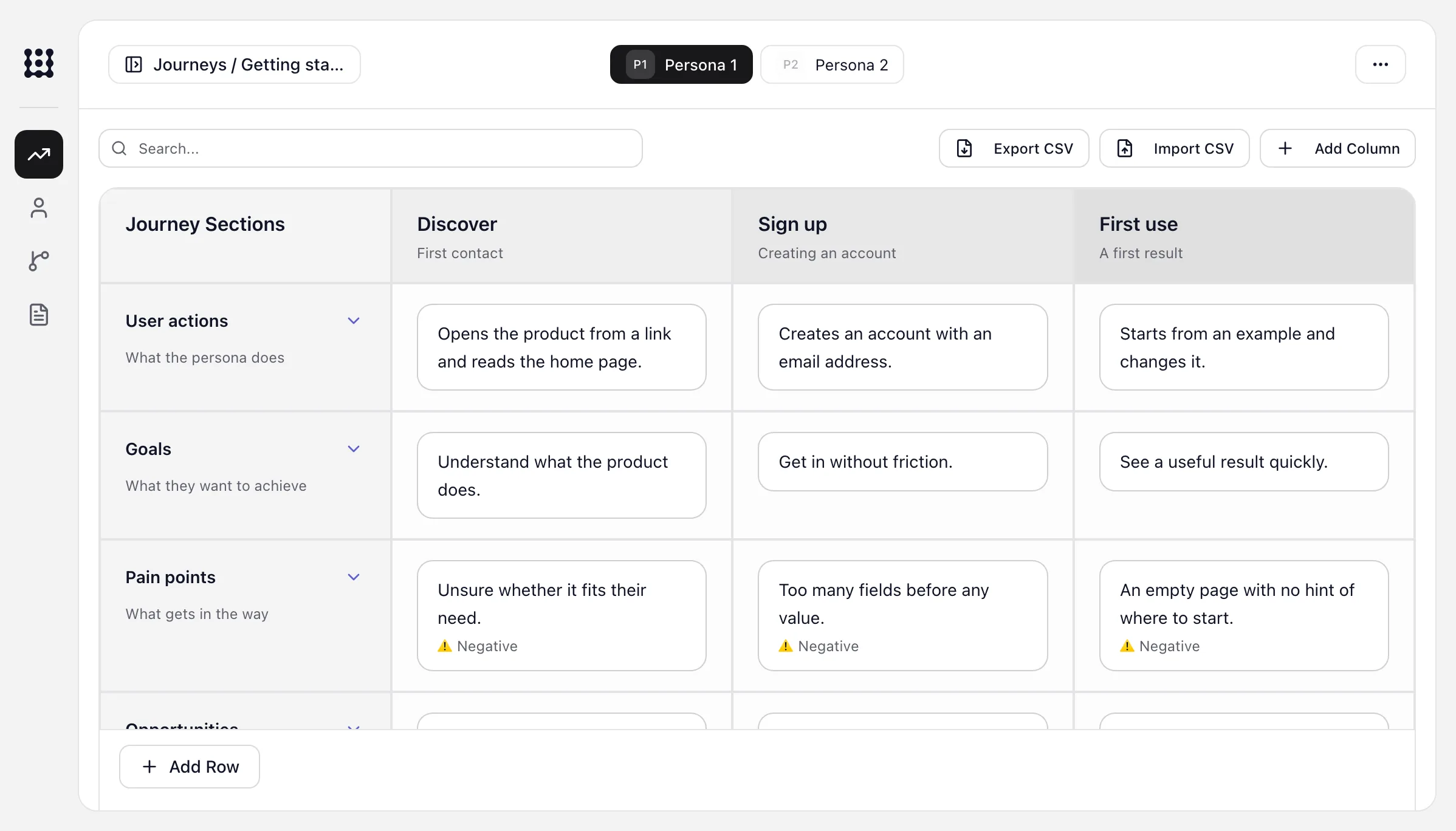
Zoom into one phase of a journey.
Each column is a phase. Each row is what the person does, wants, risks and what you could build. Switch persona to compare the same phase.
Getting started
From the first visit to a first useful result.
| Journey sections | |||
|---|---|---|---|
| User actionsWhat the persona does | Opens the product from a link and reads the home page. | Creates an account with an email address. | Starts from an example and changes it. |
| GoalsWhat they want to achieve | Understand what the product does. | Get in without friction. | See a useful result quickly. |
| Pain pointsWhat gets in the way | Unsure whether it fits their need. | Too many fields before any value. Negative | An empty page with no hint of where to start. |
| OpportunitiesIdeas to try | Show a short example on the home page. | Ask only for what is needed now. Positive | Offer ready-made examples. |
Ask for a flow, get the one you planned.
Your coding agent reads the flow and the story from docs/ux, then builds those steps in that order, against the criteria in the story.
What you planned
Flow · Sign-up- Landing with the price
- Create account
- Choose a plan
- Pay
Story · As a new user, I want to see the price before I sign up
- AThe price is visible on the landing step
- BThe pay screen shows the same price
What your agent built
Pull request #42- Landing shows the monthly price
example/landing.tsx - Account form
example/sign-up/form.tsx - Plan picker
example/sign-up/plans.tsx - Pay screen, same price as step 1
example/sign-up/pay.tsx
Tests your agent can write from the criteria
- AShows the price on landingPassing
- BPay screen price matches landingPay price matches landingPassing
ImportIf your team already mapped a journey in a spreadsheet, import it as CSV. Export it back whenever someone needs the sheet.
Run it locally, then open it where you work.
Clone the repo, build it once and point it at a project you already have. The server only listens on 127.0.0.1 and you don't need an account.
$ git clone https://github.com/mattiamichini-design/uxplanner.git$ cd uxplanner && npm ci && npm run build$ node bin/ux-planner.mjs init --root ../your-project$ node bin/ux-planner.mjs start --root ../your-project --port 4311Planning folders ready: /path/to/your-project/docs/uxUX Planner: http://127.0.0.1:4311/ux-plannerWorkspace: /path/to/your-project
user-flows · user-stories
In your browser
Edit journeys and personas on the board, and read your flows and stories.
127.0.0.1:4311/ux-plannerInside your AI client
A local MCP server opens the same app in clients that support MCP Apps, so there’s nothing to deploy.
With any coding agent
The bundled skill explains the file format, so your agent can write flows and stories in the same folder.
Start planning in your own repo.
Clone UX Planner, point it at your project and start with the journey you’re working on. The files stay in docs/ux, next to the code.